Your Stack
Choose which projects show
You decide which of your projects appear on your Stack.
Show or hide a project
- Open Settings and choose Projects on my Stack.
- Switch Show on or off for each project.
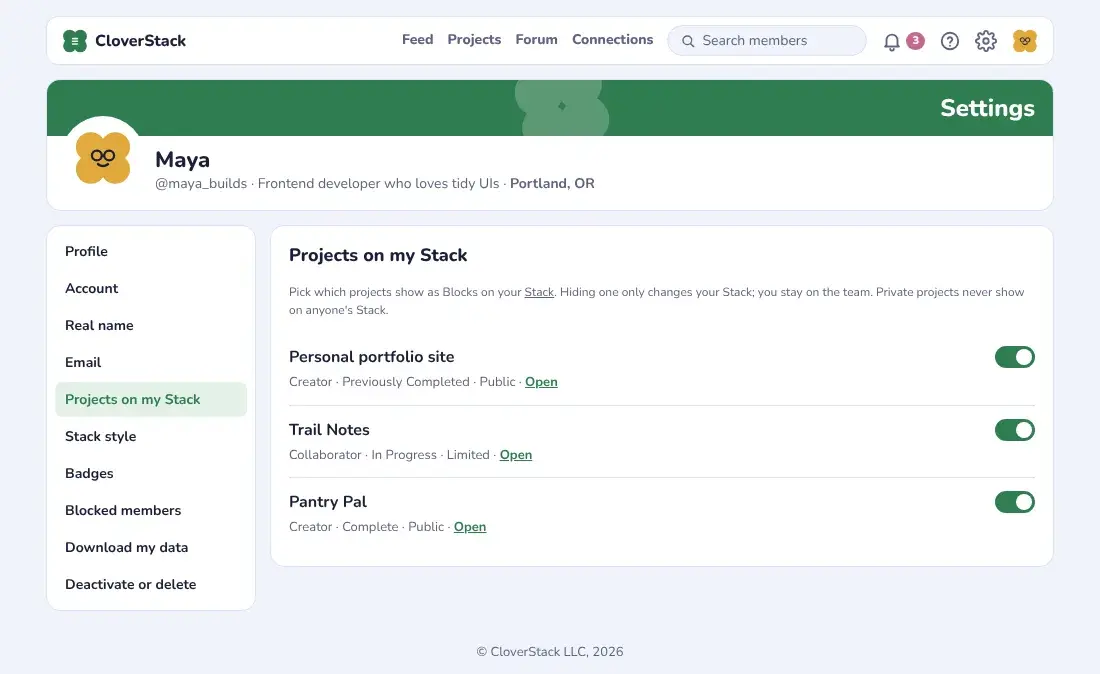
- Hiding a Block only changes your own Stack. You stay on the team, and your teammates' Stacks still credit you.
- Private projects never show on anyone's Stack.