Discussion and Updates
Updates and following a project
Updates are separate from the discussion. The Creator and Admins post them to share news about the project.
Post an Update
- Open the project's Updates tab.
- Write a headline, like "Beta is live", some text, and add up to 4 images.
- Post it. Updates have no replies: conversation stays in the discussion.
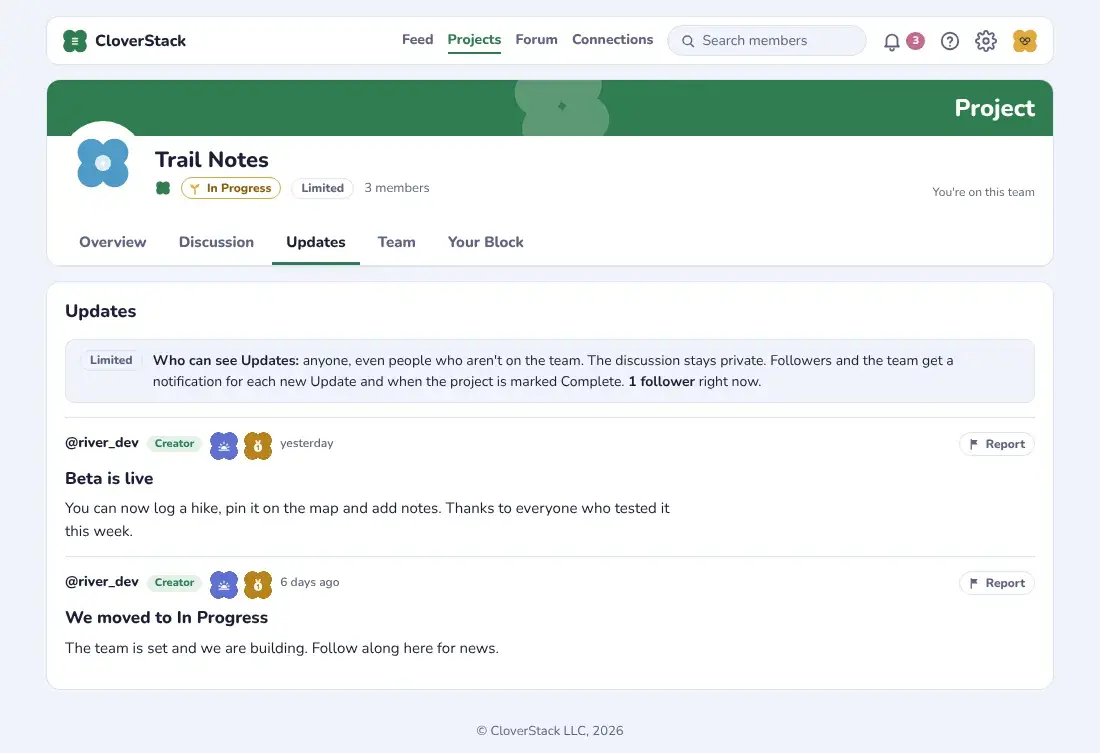
Who sees Updates
On a Limited or Public project, anyone can see Updates, even people who aren't on the team. On a Private project, only the team does. The Updates tab tells you which.
Follow a project
Press Follow on any Limited or Public project. You'll get a notification for each new Update and when the project is marked Complete, and they show in your Feed.