Your Stack
Your Stack
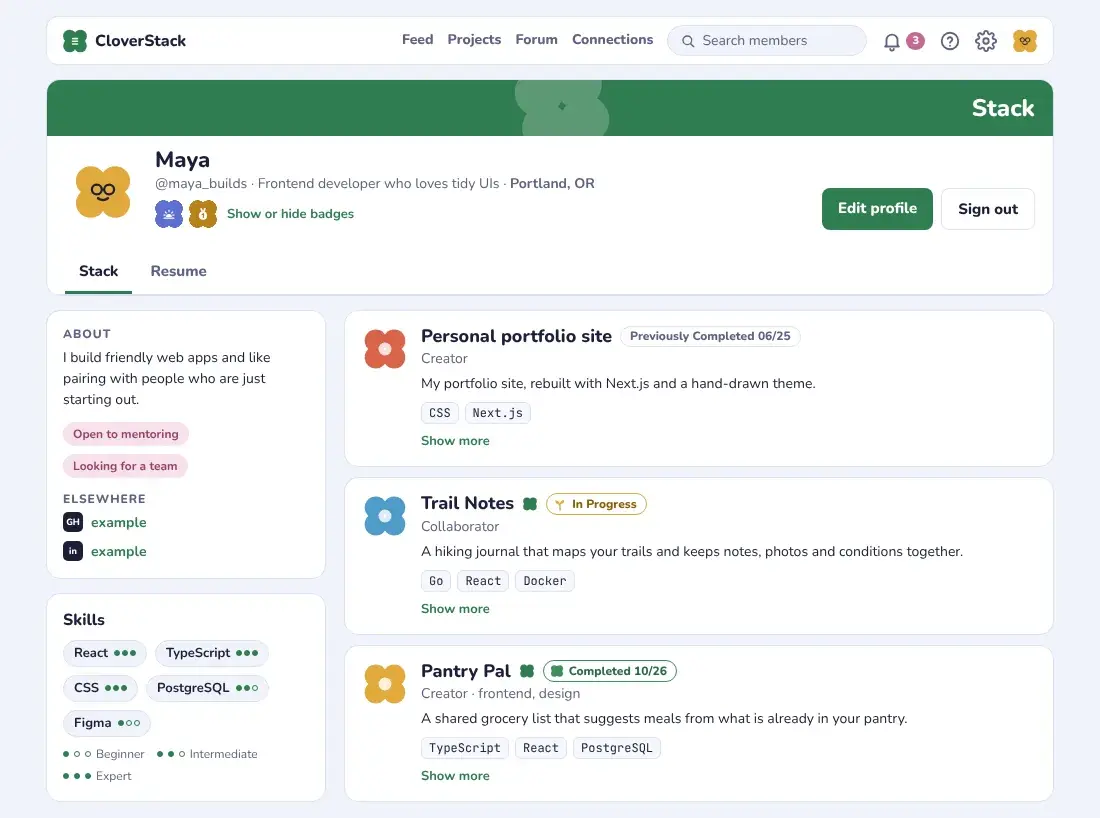
Your Stack is your profile and portfolio in one page. It's built from the projects you make with other people.
What's on it
- Your profile sits in a column on the left: picture, display name, @username, headline, location, an About section, profile tags, links and skills. On a phone, it sits on top.
- Your Blocks run down the right, one for each project you show. Observer Blocks are grouped at the bottom.
- Badges you've earned show under your name.
- Your Resume has its own tab next to the Stack tab.
Find your Stack
Press your picture at the right end of the menu bar. Your Stack's address is cloverstack.app/ followed by your username, so you can share it with anyone.