Your Stack
Restyle your Stack with CSS
A nod to early-2000s profile pages: you can write CSS to change how your Stack looks.
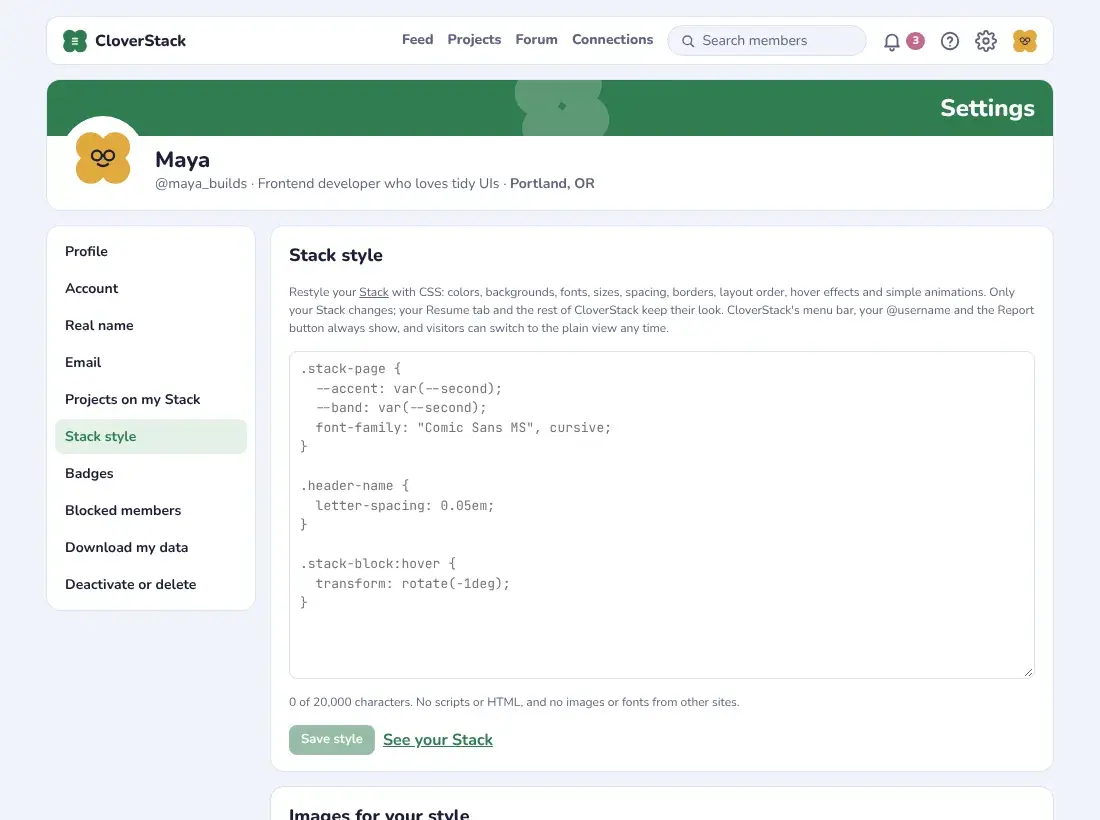
Add your style
- Open Settings and choose Stack style.
- Write your CSS in the box. What you can style lists the class names to start each rule with, like .stack-page.
- Press Save and open your Stack to see it.
The rules
- CSS only: no scripts or HTML, and no images or fonts from other sites. You can upload images for your style on the same page.
- Only your Stack changes. Your Resume tab and the rest of CloverStack keep their look.
- The menu bar, your @username and the Report button always show.
- Visitors can always choose View without custom style.