Notifications and Badges
Notifications and email
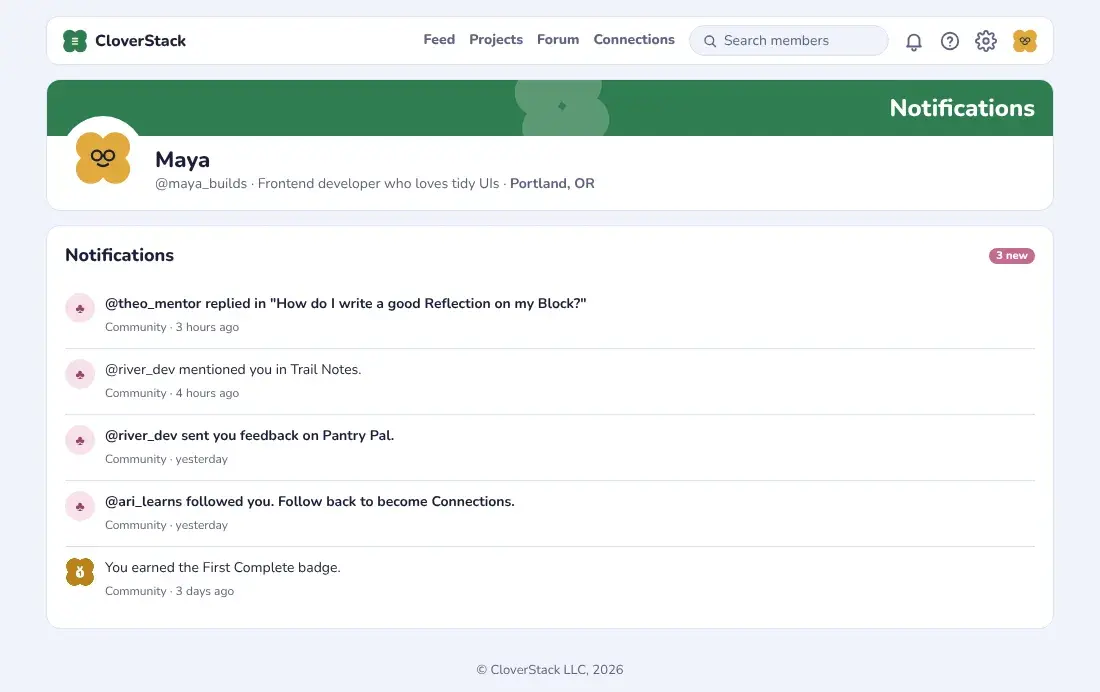
The bell in the menu bar shows everything that happened for you, newest first.
The bell
A number on the bell shows how many are unread. Open it to see follows, project invitations and requests, replies, @mentions, feedback and badges you earn. Opening the page marks them read.
Email choices
- Open Settings and choose Email.
- For each group (Reports and Community), pick Right away, Daily summary or Off.
- Turn News from CloverStack on or off for new features, tips and Patch Notes.
Emails about your account, sign-in and safety always come. CloverStack never uses notifications for ads. Email for these groups is coming soon, and your choices are saved for when it starts.