Your Stack
Edit your profile, tags and links
Everything in the left column of your Stack is changed in one place.
Edit your profile
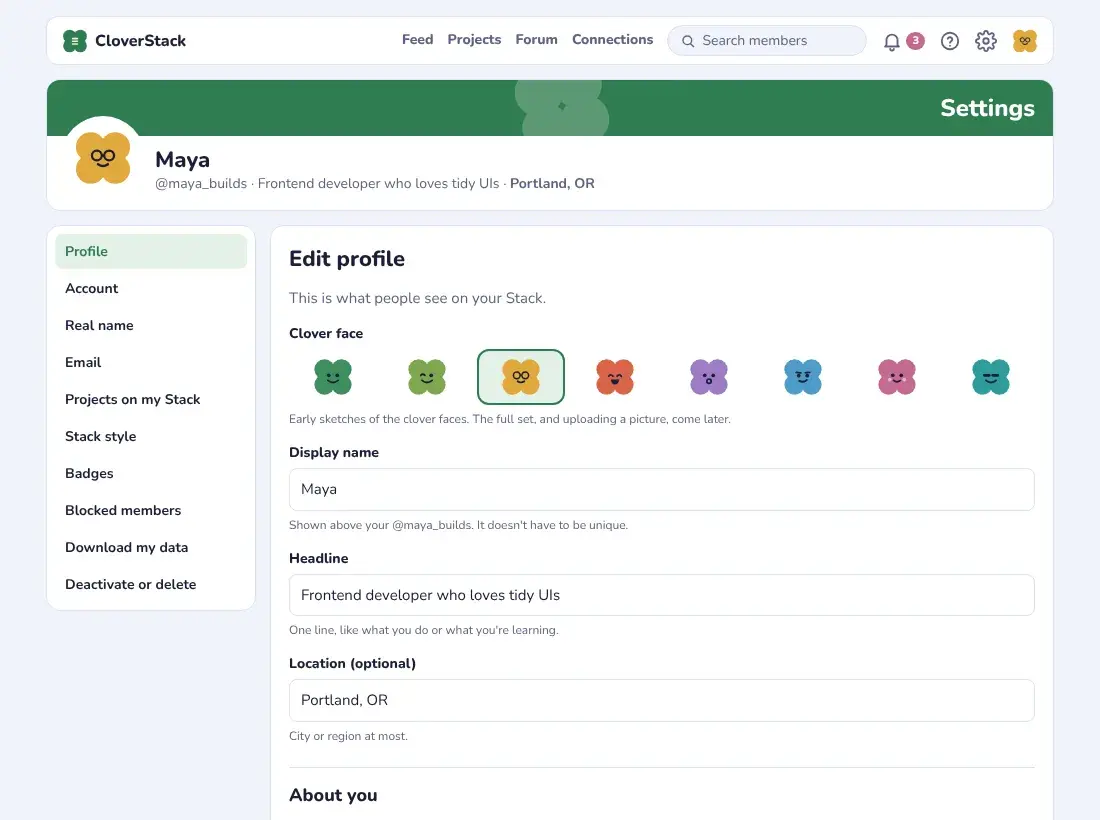
- On your Stack, press Edit profile. You can also open Settings and choose Profile.
- Change your picture, display name, headline, location, About and links.
- Press Save at the bottom.
Links
Add up to 5 links, like your GitHub or LinkedIn. Links to well-known sites show that site's logo automatically.