Getting started
Take the tour again
The first time you land on your Feed, a short tour points out each part of the menu bar, including Search and Help. Pages with more to them, like your Resume, Projects and Settings, walk you through their main parts the first time you open them. A few simpler pages show a one-time tip instead.
Replay the tour or tips
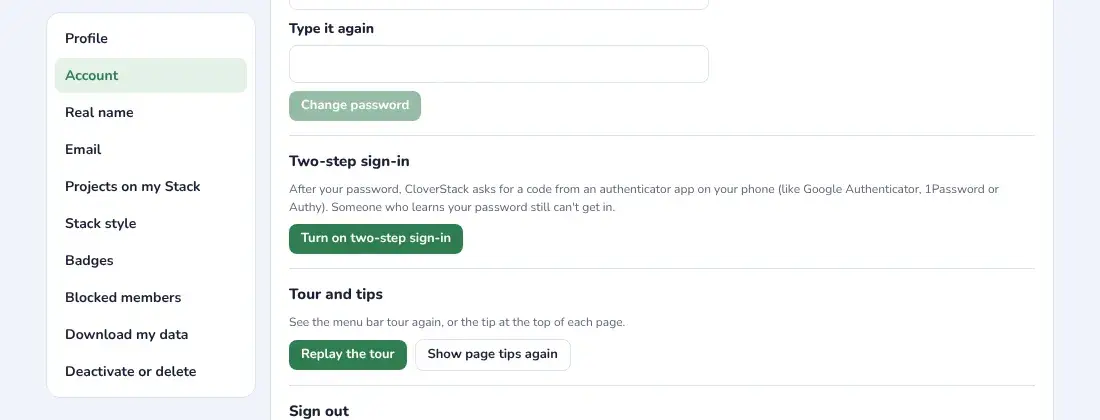
- Open Settings (the gear in the menu bar) and choose Account.
- Under Tour and tips, press Replay the tour, or Show page tips again to bring back the walkthroughs and tips.
- To replay one page's walkthrough, press Show me around at the top of that page.
- If you hid the Finish your Stack checklist, Show Finish your Stack brings it back.