Your resume
Fill in your resume
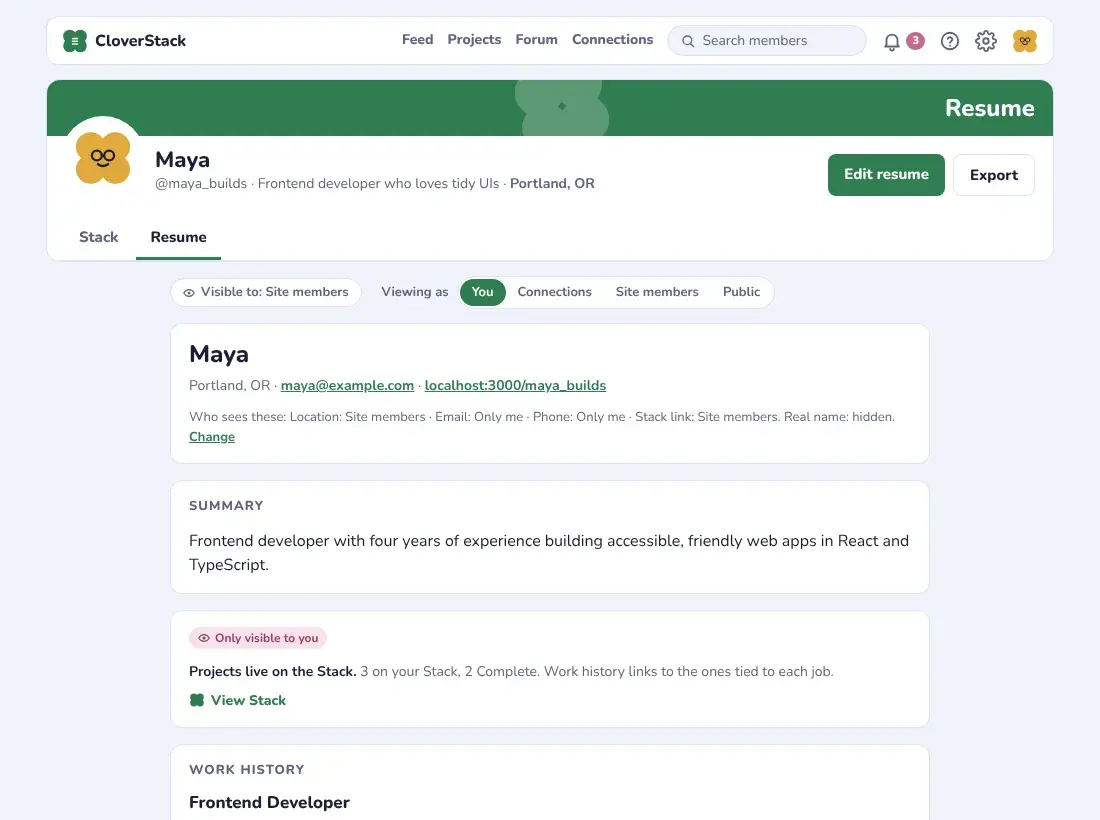
Your resume is a clean, standard template you fill in. It has its own Resume tab next to your Stack.
Fill it in
- Open your Stack, choose the Resume tab and press Edit resume.
- Fill in the sections you want: Summary, Experience, Education, Skills, Certifications and licenses, Languages, and Volunteering, awards and more.
- Each job can link to the projects you did there, since your projects already live on your Stack.
Who sees it
- Your resume starts Private. Under Who sees your resume, choose Private, Connections, Site members or Public.
- You can give any section its own setting.
- Your current employer's name stays hidden unless you choose to show it. You can show a short description instead, like "Healthcare software company".
- Your real name and contact details stay private unless you choose to show them.