Getting started
Set up your Stack in 5 steps
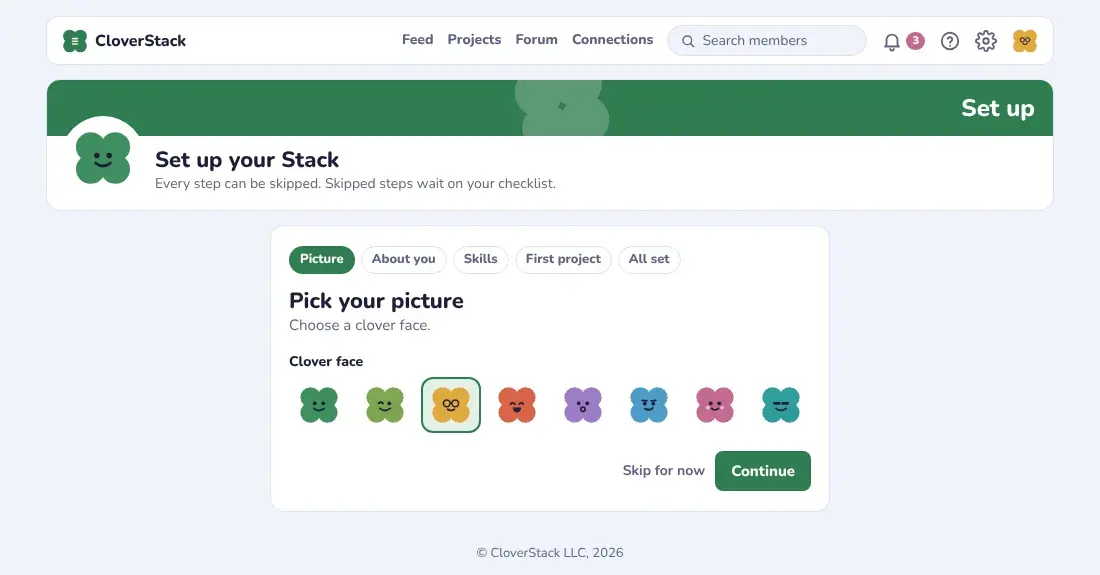
Right after you pick a username, a short setup helps you fill in your Stack. Every step can be skipped and finished later.
The five steps
- Picture: upload a photo, or pick one of the clover faces.
- About you: a one-line headline, an optional location (city or region at most) and up to 3 profile tags, like Open to mentoring.
- Skills: pick a few skills and how strong each one is, plus anything you're looking to learn.
- First project: start a project, or bring in work you've already finished.
- All set: see your Stack.
The Finish your Stack checklist
Until your Stack is filled in, your Feed shows a private Finish your Stack checklist with what's left. Only you see it, and you can hide it.