Projects
Statuses: Ideation to Closed
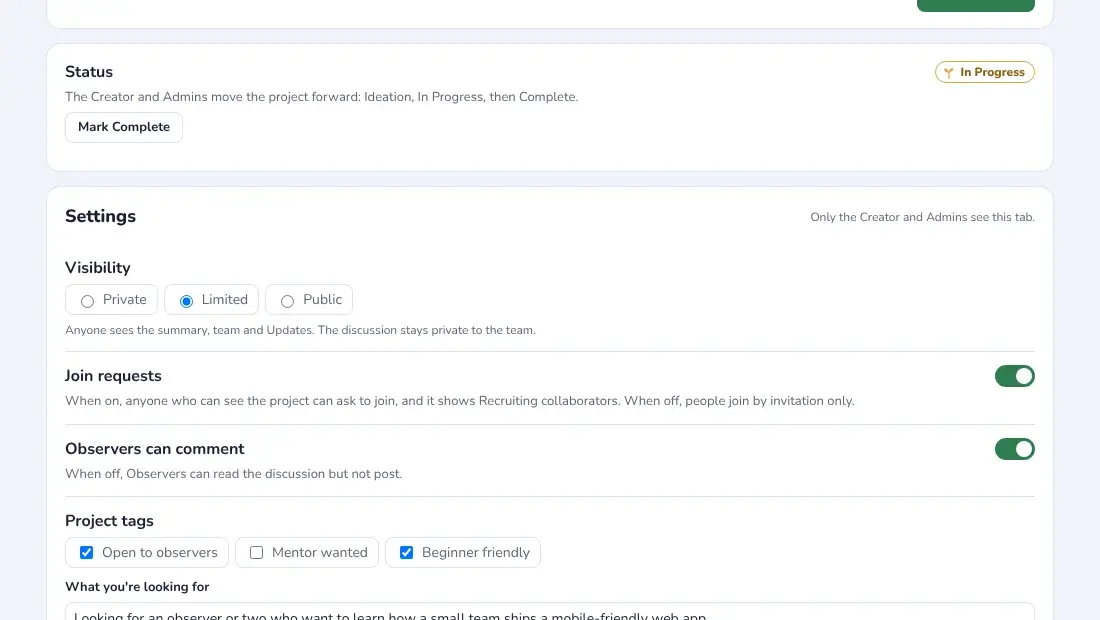
The Creator or an Admin moves a project forward from its Settings tab. Each step is permanent.
The statuses
| Status | What it means |
|---|---|
| Ideation | Shaping the idea and finding people. The Creator and Admins can still remove members. Every project starts here. |
| In Progress | Being built. The team locks: new people can join, but no one can be removed, and the project can't go back to Ideation. |
| Complete | Done for good. Details and roles lock, pending requests are cancelled, and the discussion becomes a read-only archive. Highlights and Feedback open. |
| Closed | Highlights are locked too. A Complete project closes on its own 30 days later, if nobody closes it first. |
Highlights
Once a project is Complete, the Creator and Admins add Highlights in Settings: text and up to 10 images that show off the finished work. They can keep editing until someone presses Mark Closed.
A project has to be Limited or Public to be marked Complete. Updates can still be posted after Complete or Closed, for news like a launch.