Feed, Connections and Search
Follow and connect
Follow someone from their Stack to see what they're building in your Feed.
How Connections work
- Open someone's Stack and press Follow.
- They get a notification with a Follow back button.
- If they follow you back, you become Connections, and can both see each other's Connections-only content, like a resume shown to Connections.
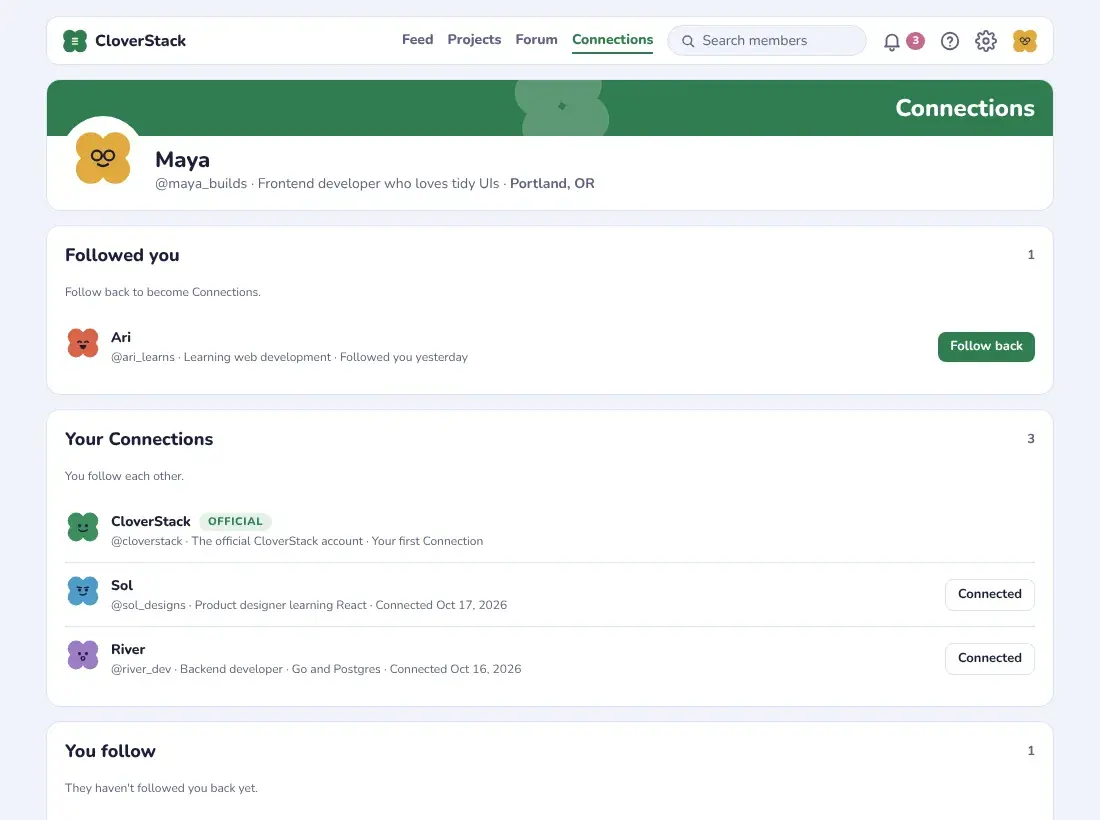
The Connections page shows your Connections, people who followed you and are waiting for a follow back, and people you follow. Only you see these lists. Everyone is connected to the official @cloverstack account.