Feed, Connections and Search
Search for members
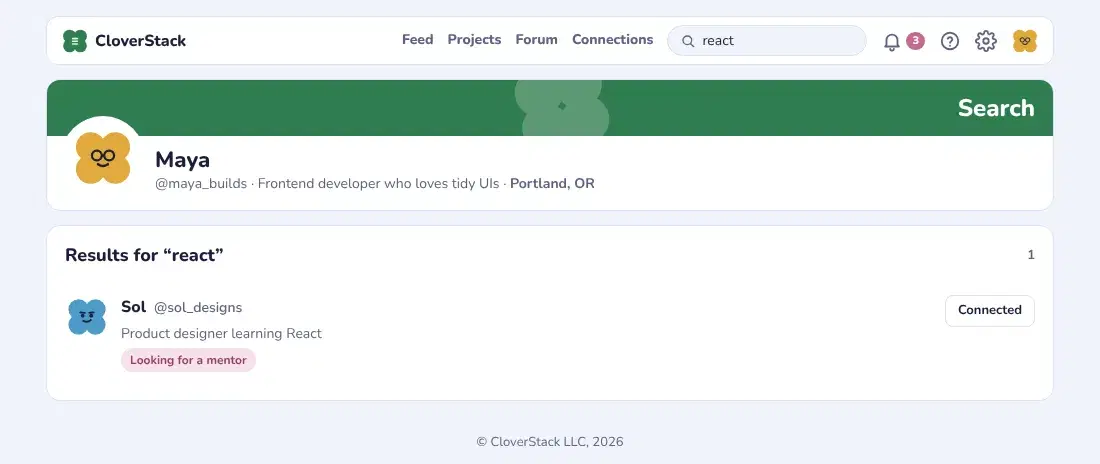
The search box in the menu bar finds members.
Search
- Type in the Search members box in the menu bar and press Enter.
- Search by username, display name, headline, skill, or a profile tag like "Open to mentoring".
People only find you by your real name if you turned that on in Settings › Real name, and only when they type it in full on the search page. It's never suggested as they type, and never shown in results.